 Get the app
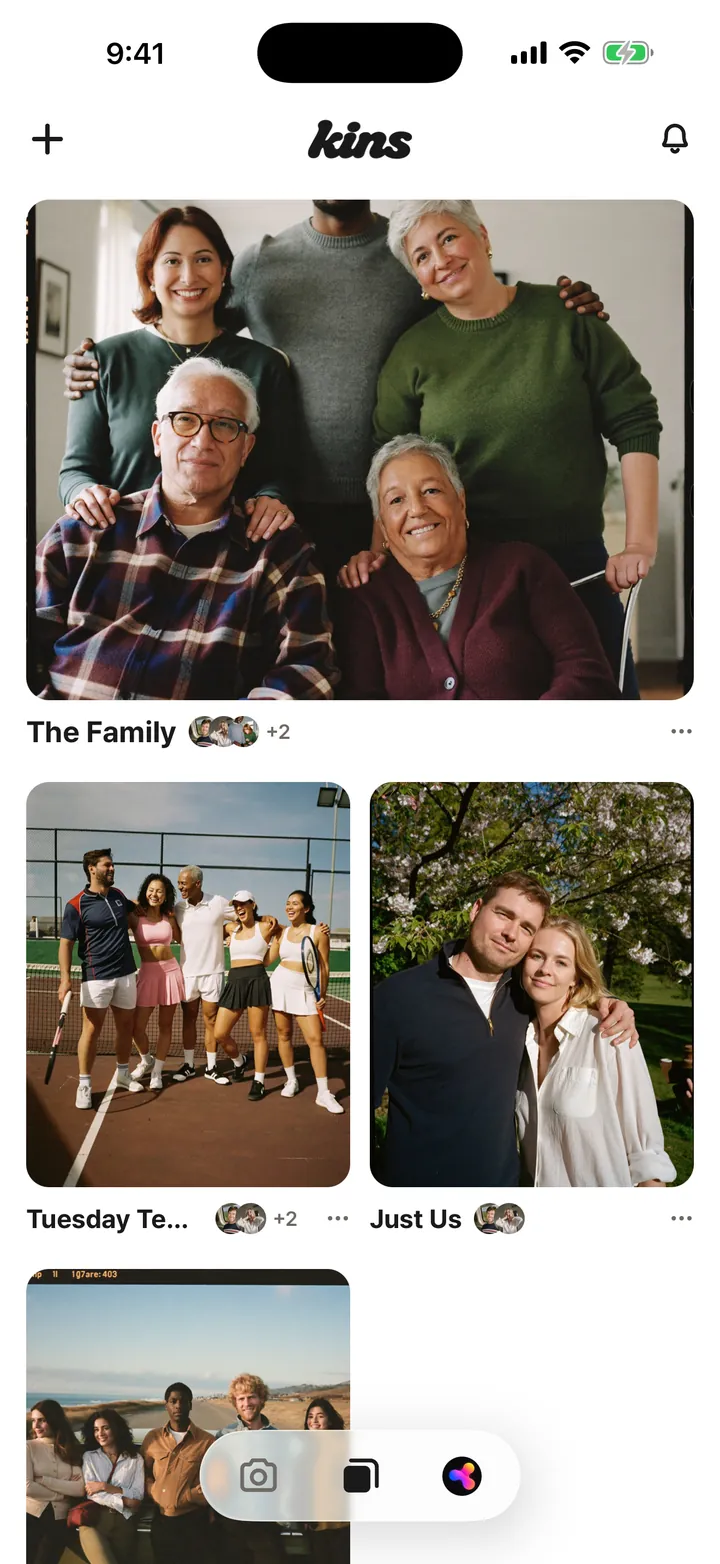
Name it, pick a cover, choose who can see it.
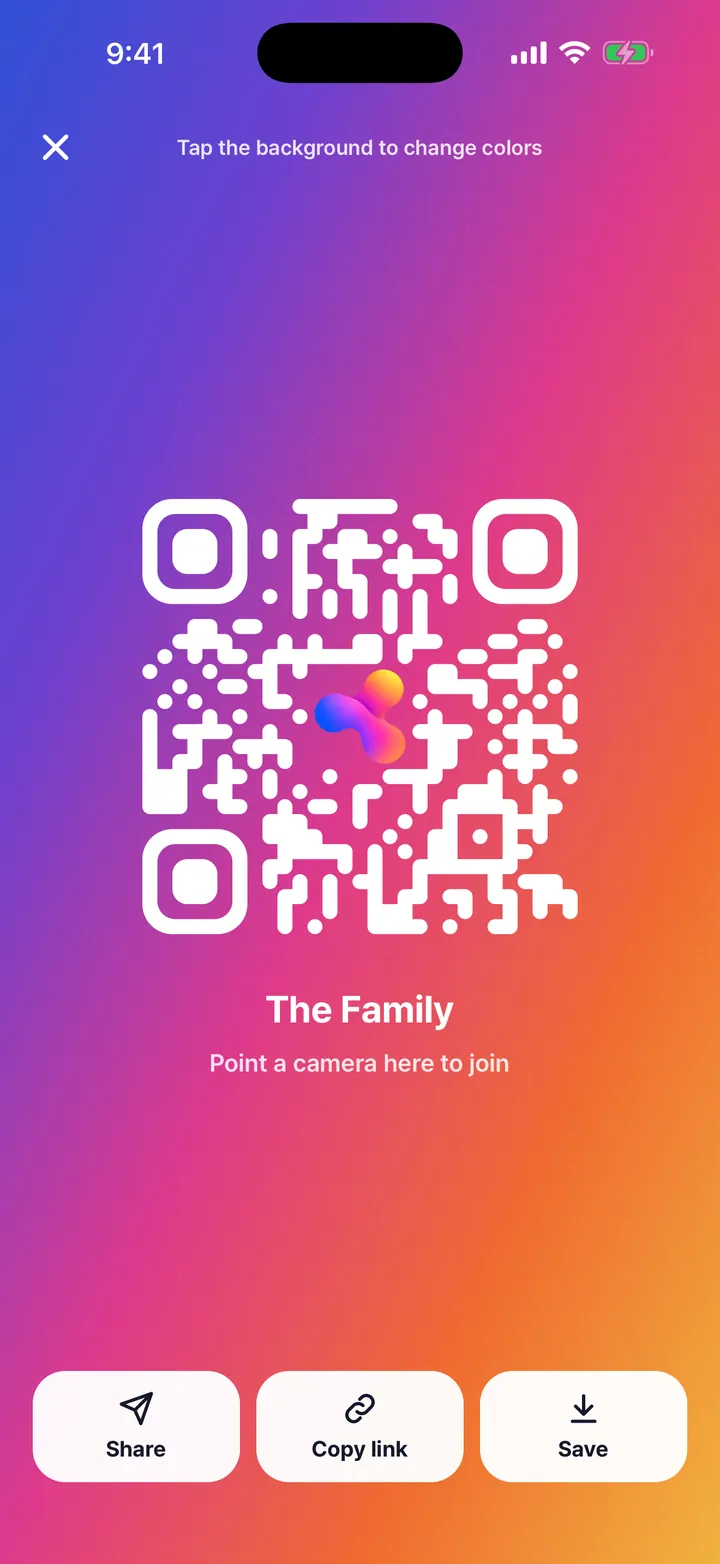
Drop the link in the group chat, or let friends next to you scan the QR. They join under their own names.
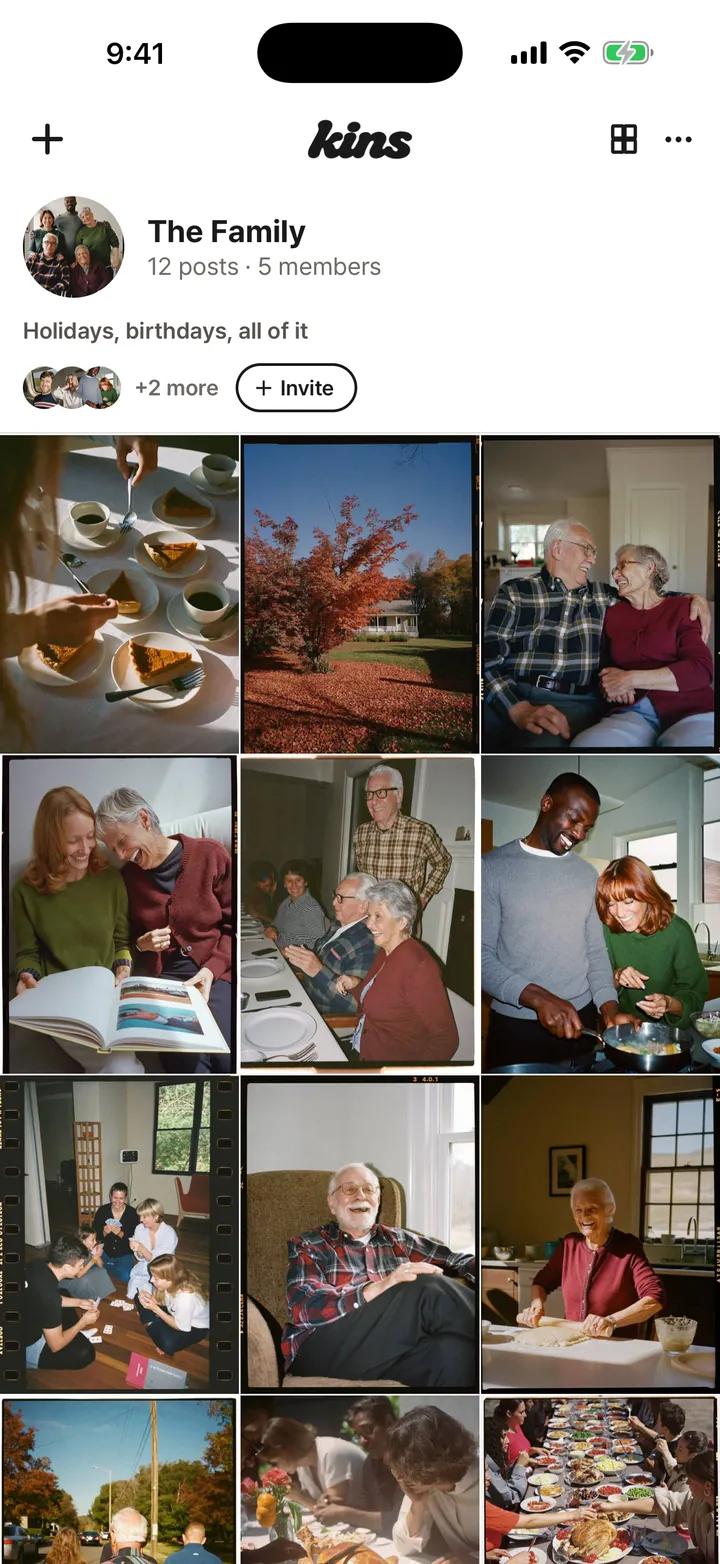
Every phone, one grid. You can also tap Share › Synz in Photos or any chat.
The default. Only people you invite can see it.
Invited people add photos. Anyone with the link can look.
Anyone can look, join and post. New photos are checked automatically, and the owner and admins can remove posts or lock the album.
Any member can change who sees the album, and the album shows who changed it.
Yes. Kins changed its name to Synz in November 2026. Your albums, photos and account stay exactly as they were, and the store listings are switching to the new name.
An album a group fills together, instead of one person’s profile. On Synz, everyone who was there adds their photos to the same album. Keep it private or open it to anyone.
Yes. Every core feature is free. Synz+ adds more upload space and extra features, and we’re getting ready to print your photo strips at a friendly price.
Yes. Each person installs Synz and signs in with Apple or Google. The invite link takes them straight into the album.
Yes. Synz is on the App Store for iPhone and on Google Play for Android.
“Invited only”: just the people you invite, and it never shows up in search. “View by link”: anyone with the link can look, and only invited people add photos. “Anyone”: open to everyone. Any member can change this in album settings, and everyone sees who changed it.
No limit per album. One post holds up to 20 photos, and videos can run up to 3 minutes.